
Paint your own photo, by numbers.
Upload any photo and get a printable paint-by-numbers template in seconds. Choose any size and difficulty, and get mixing recipes for the paints you already own.
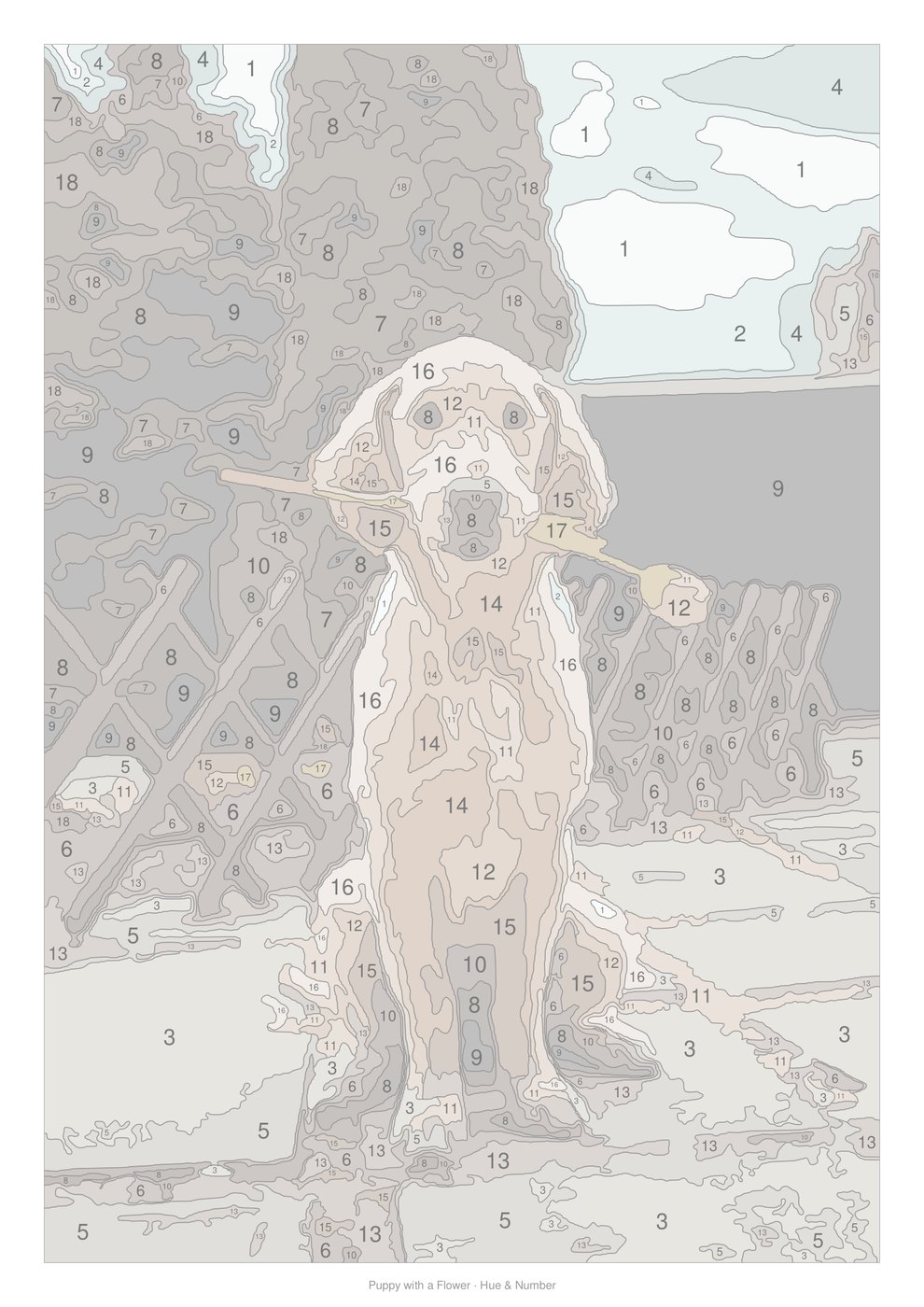
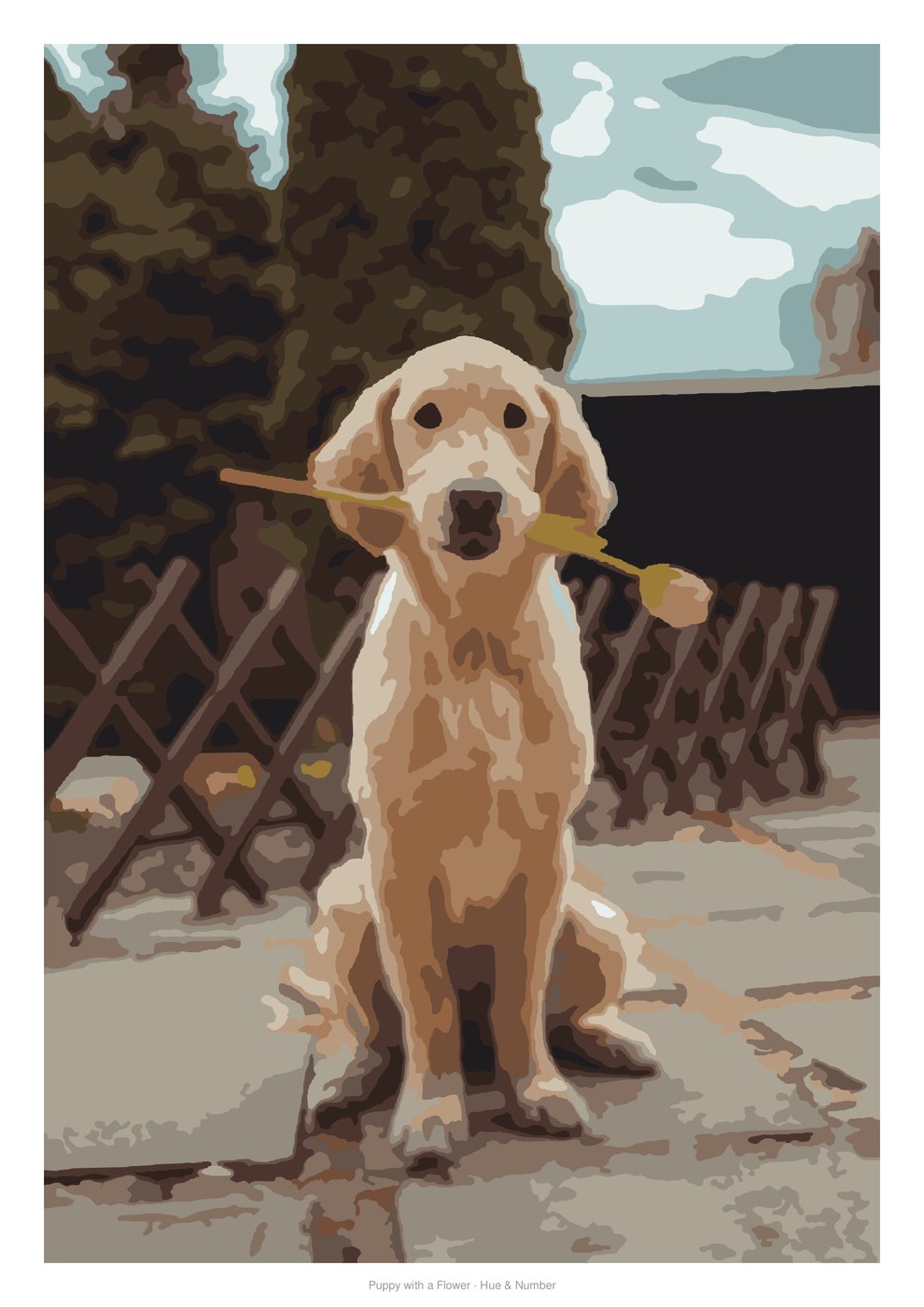 TemplatePainted
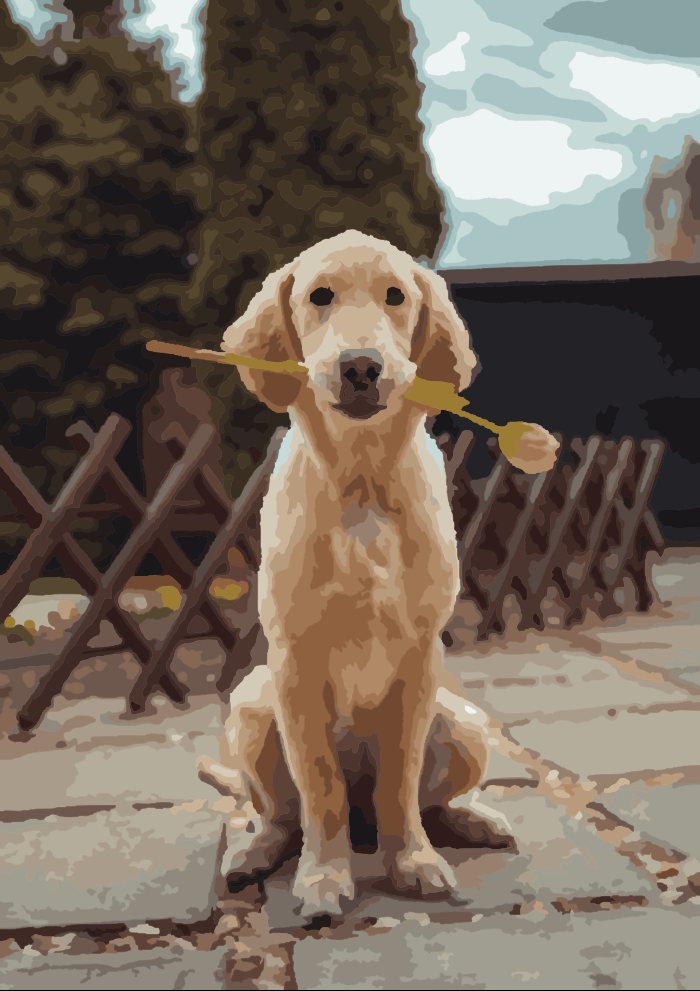
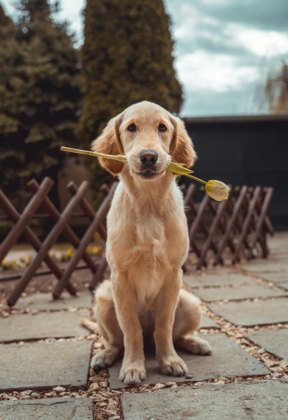 From this photo
Not just another kit. Your painting, your way.
Ready-made kits give you somebody else's picture and a box of pre-mixed pots. We give you the template for any photo, and teach you to mix the colours yourself.
Use your own photos
Your dog, your wedding, your grandparents' house, the view from your last holiday. Any photo becomes a numbered canvas, so gifts actually mean something.
Mixing recipes
"3 white + 1 ochre + a touch of umber". Exact ratios for your own paints, with millilitres and a shopping list.
Mix-Check
Snap a photo of your mixed paint. We show how close it is to the target and what to add.
Any size, print-aware
A5 to A0, US Letter, posters, canvas, or custom. Detail adapts so every area is big enough to paint.
Your template style
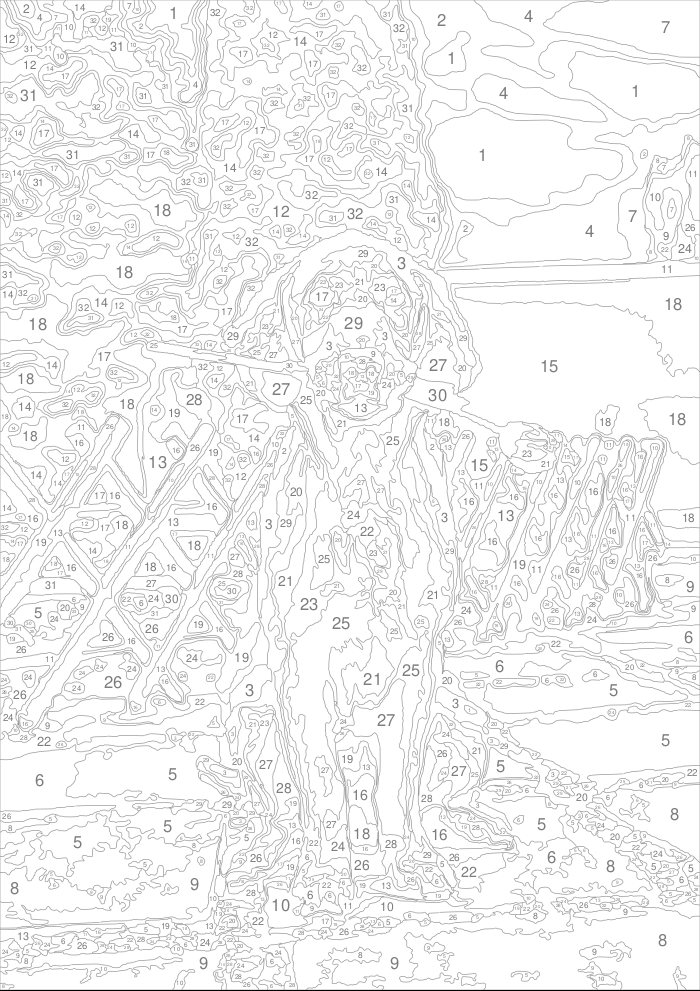
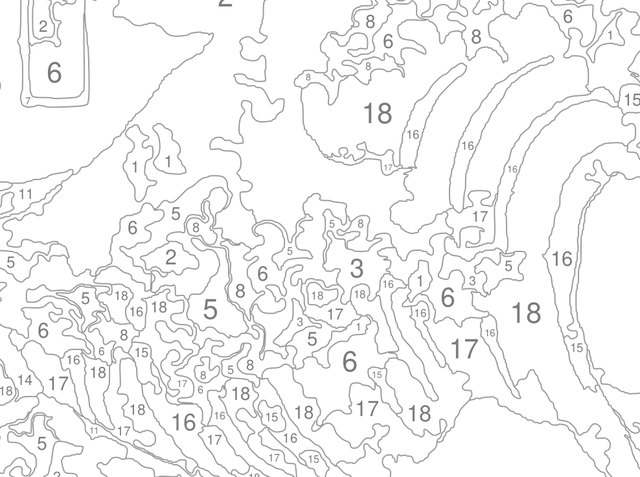
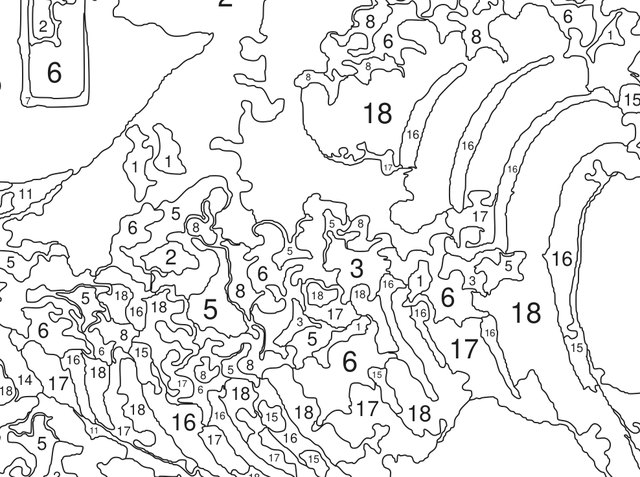
Grey, black or coloured outlines. Numbers on or off. A soft colour hint for kids and beginners.
Instant, in your browser
Templates are generated right on your device in about two seconds. No queue, no waiting for an email.
Big posters on a home printer
Large templates split into A4 or Letter sheets with overlap and alignment marks.
How we compare
Ready-made kits are lovely, but they are a catalogue. Here's what changes when the template is generated for you.
| Typical ready-made kit | Hue & Number | |
|---|---|---|
| Picture | Choose from the store's designs | Any photo you upload |
| Size | One or two fixed sizes | 28 standard sizes or custom, any orientation |
| Difficulty | Fixed | Easy to Expert, adjustable colours & detail |
| Template style | Grey lines and numbers | Grey / black / colour lines, numbers, colour hint |
| Colours | Pre-mixed pots only | Recipes for your paints, plus optional pots |
| Check your colours | Not possible | Mix-Check with your phone camera |
| Start painting | After shipping (days) | Print in minutes |
| Price | Pay for every kit | Free digital template; printed kits optional |
From photo to painting in three steps
Upload a photo
Drop in any photo. Clear subjects in good light work best.
Tune it
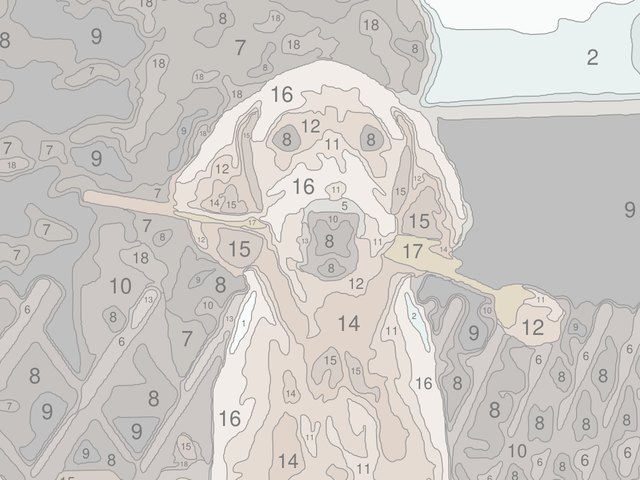
Pick paper or canvas size, orientation, difficulty and template style. The preview updates live.
Print, mix & paint
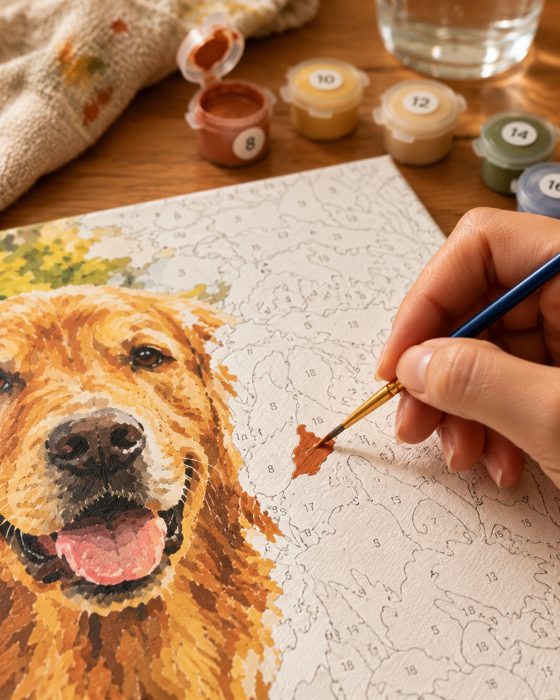
Print the template with its colour key and recipes, mix your paints, and enjoy a quiet evening.
As relaxing or as challenging as you like
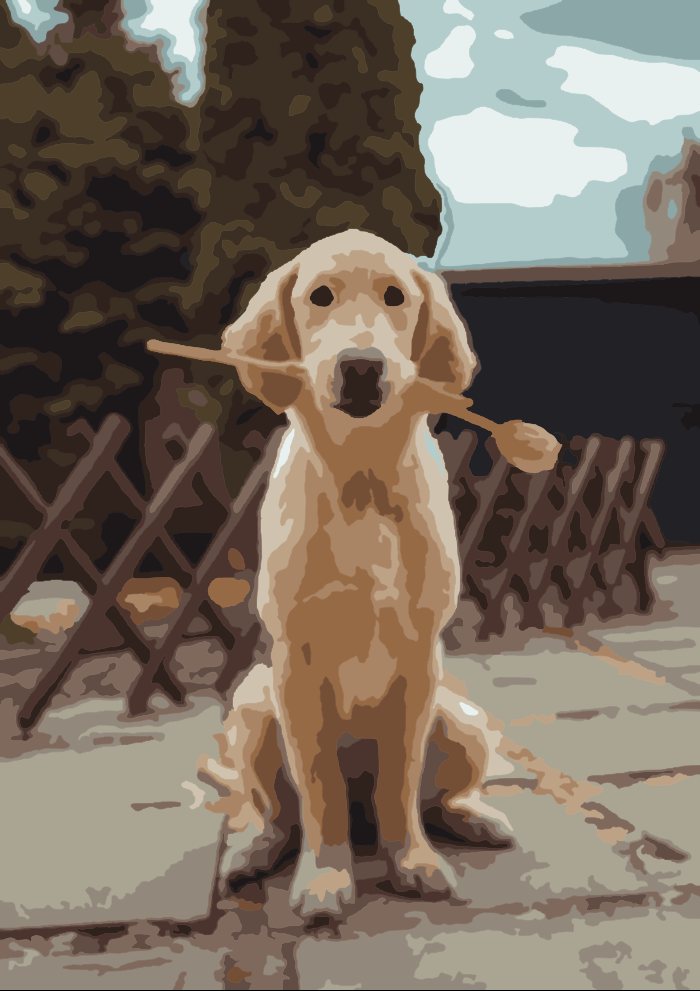
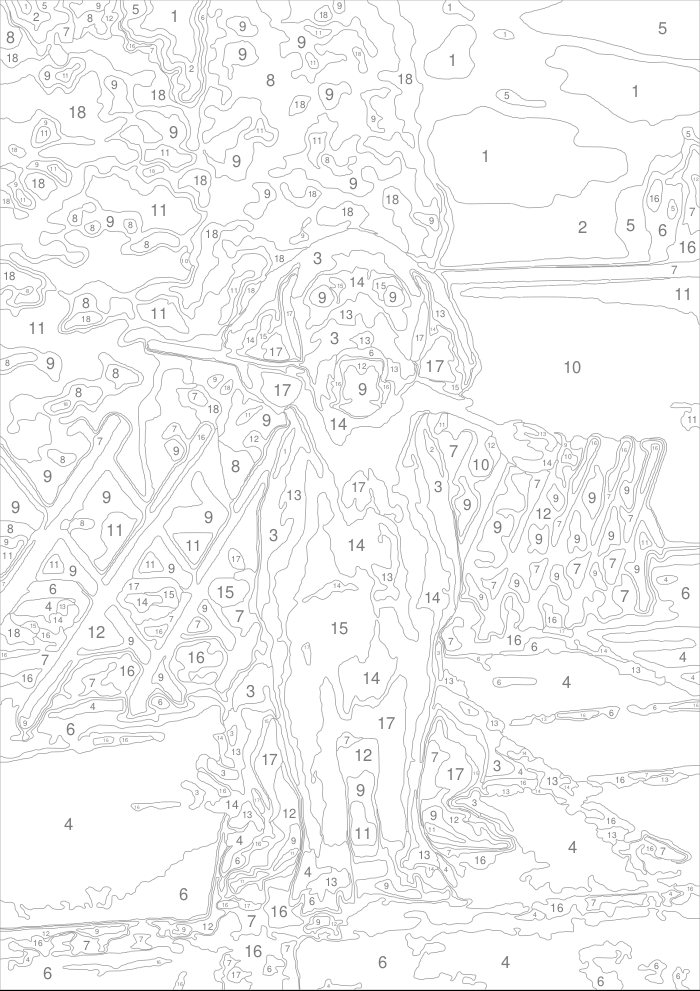
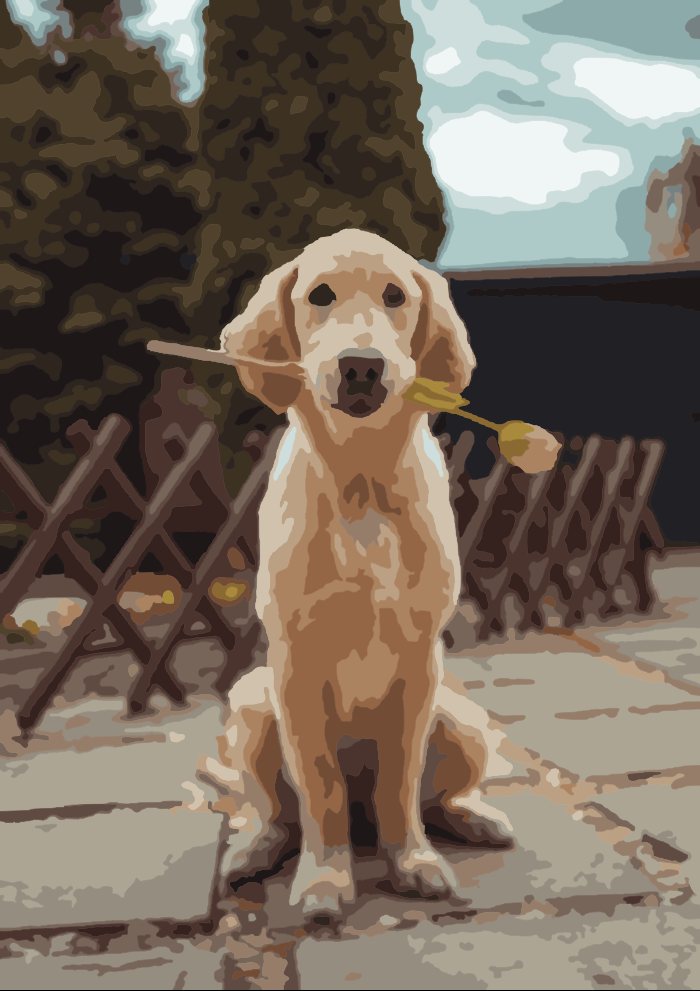
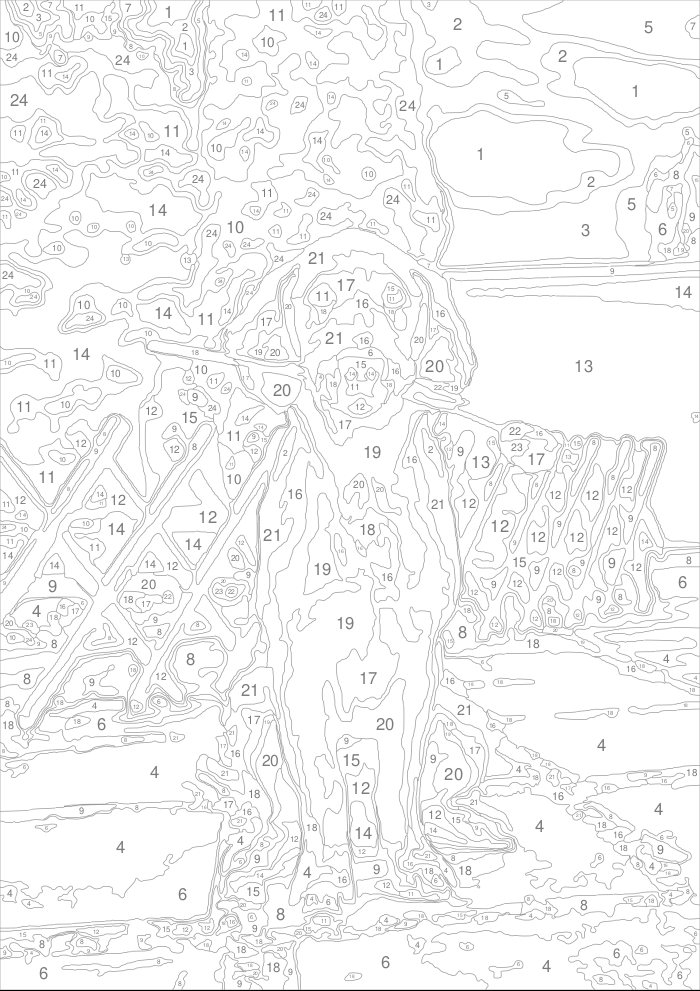
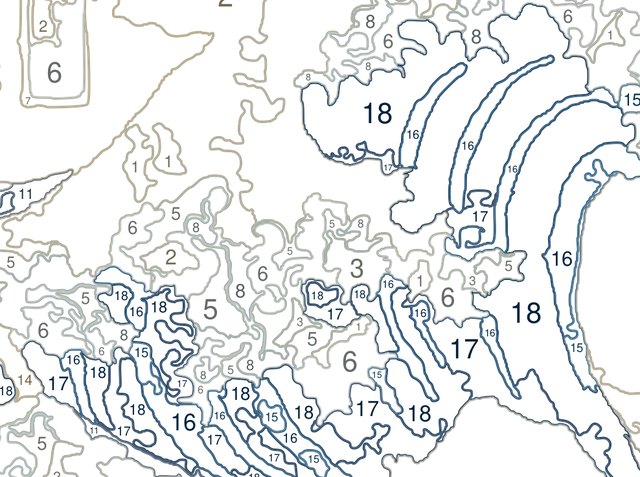
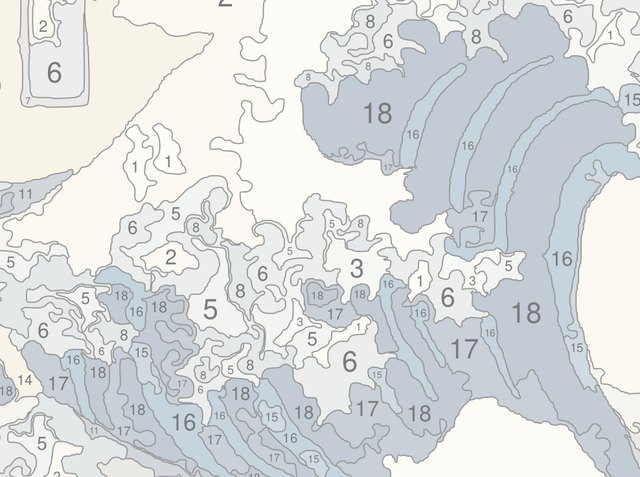
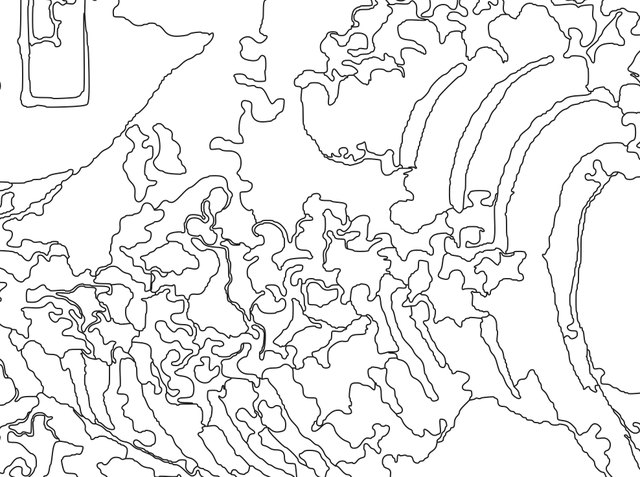
Same photo, four levels. Hover or tap to see each template.
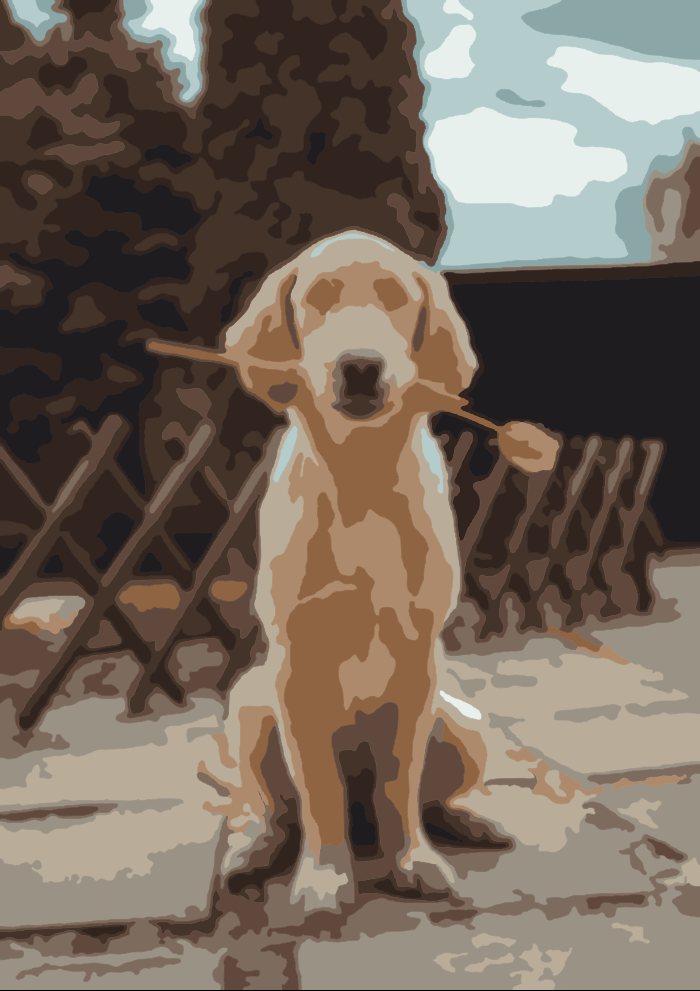
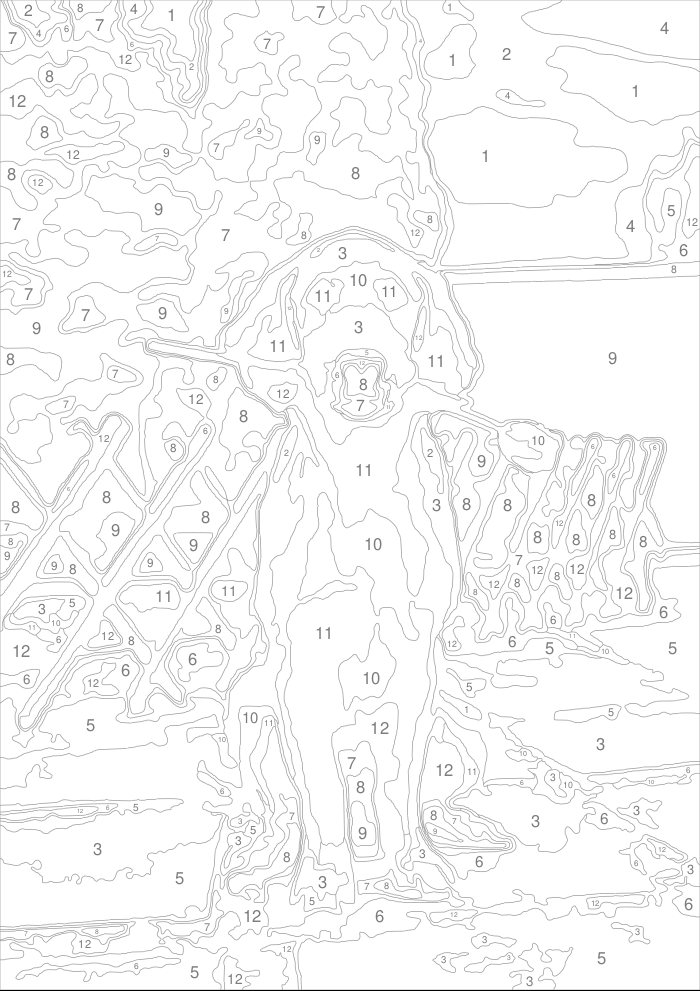
Print it the way you like to paint
Learn to mix any colour from a few tubes
Every colour on your template comes with a recipe for your paint set: Acrylic basics, a student set, primaries only, or your own tubes. Our pigment-mixing model knows that blue + yellow makes green, not grey.
- Start with 12 parts Titanium White.
- Add 2 parts Burnt Umber, a little at a time.
- Add 1 part Sap Green, then mix until there are no streaks.
Mix-Check: is my colour right?
Dab your mix on white paper and take a photo (or point your camera). We white-balance against the paper, measure the difference, and tell you exactly what to add.
A bit too light (6 points). Try: add a tiny touch of Burnt Umber (about 1 part per 10 of your mix). That brings it to ΔE 3.2.
The score uses CIEDE2000, the industry standard for how different two colours look to the human eye.
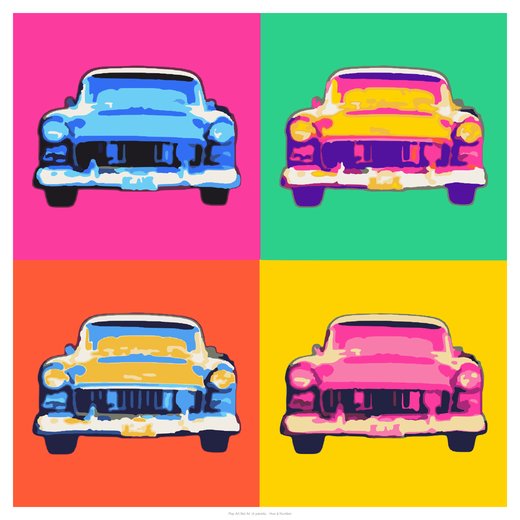
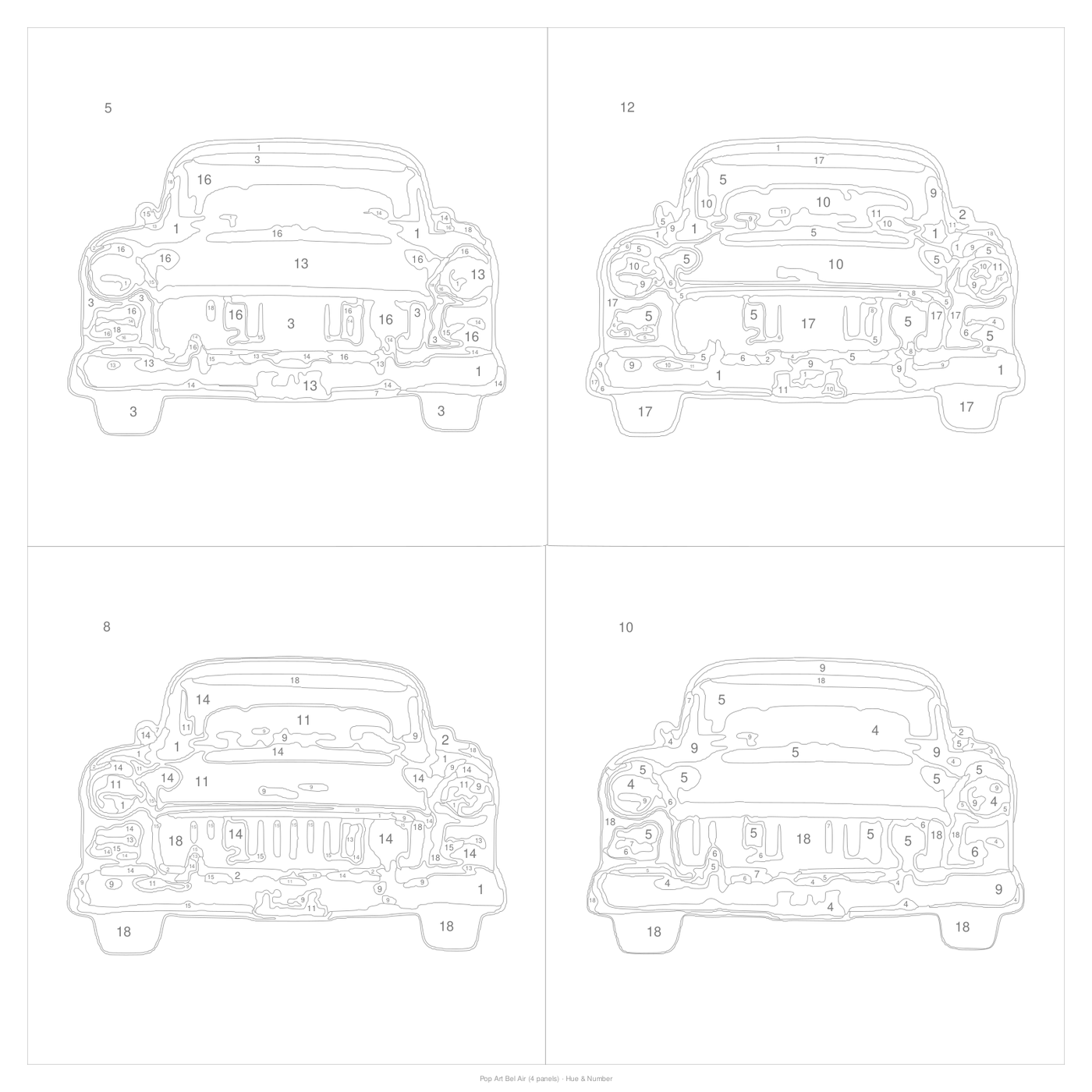
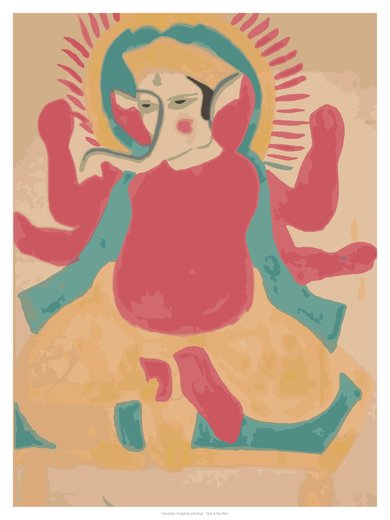
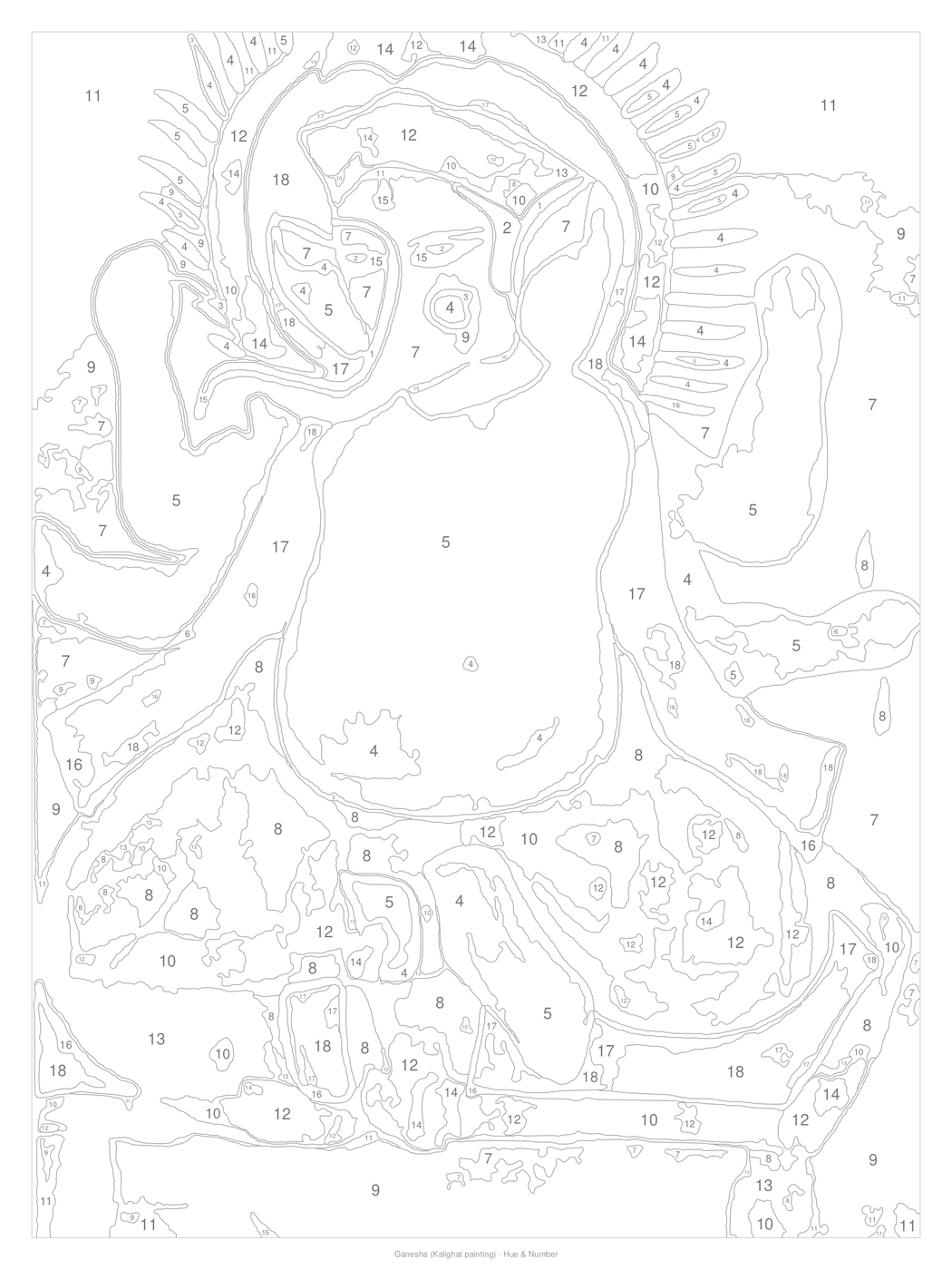
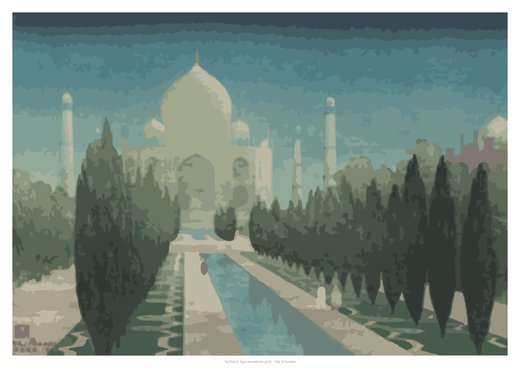
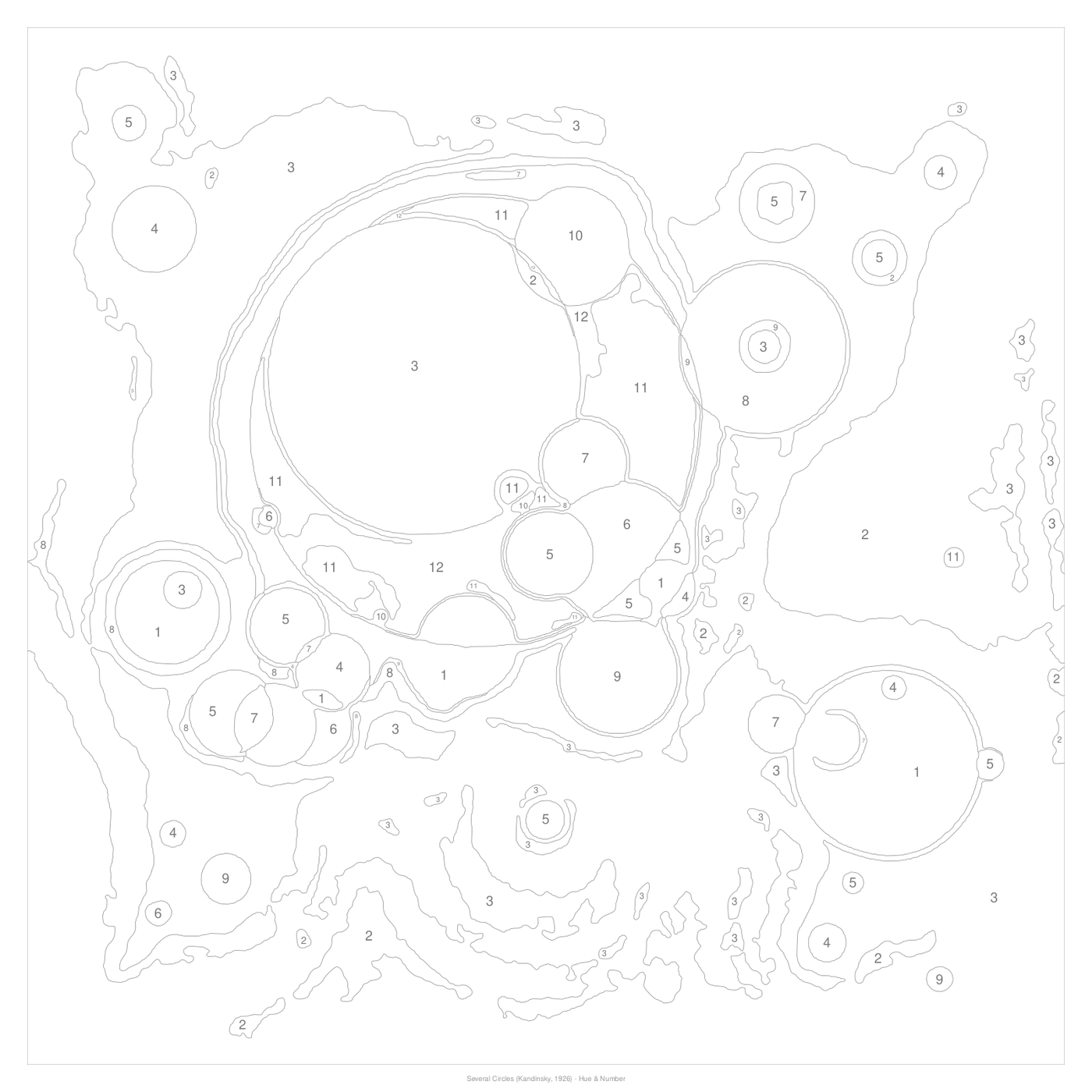
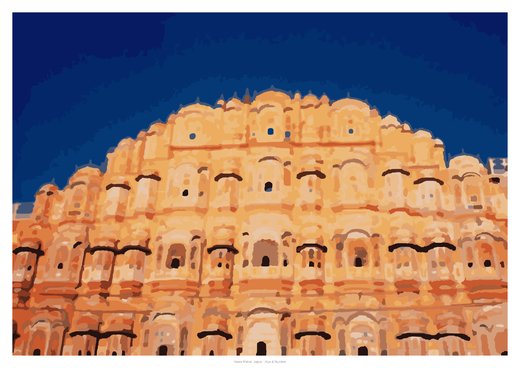
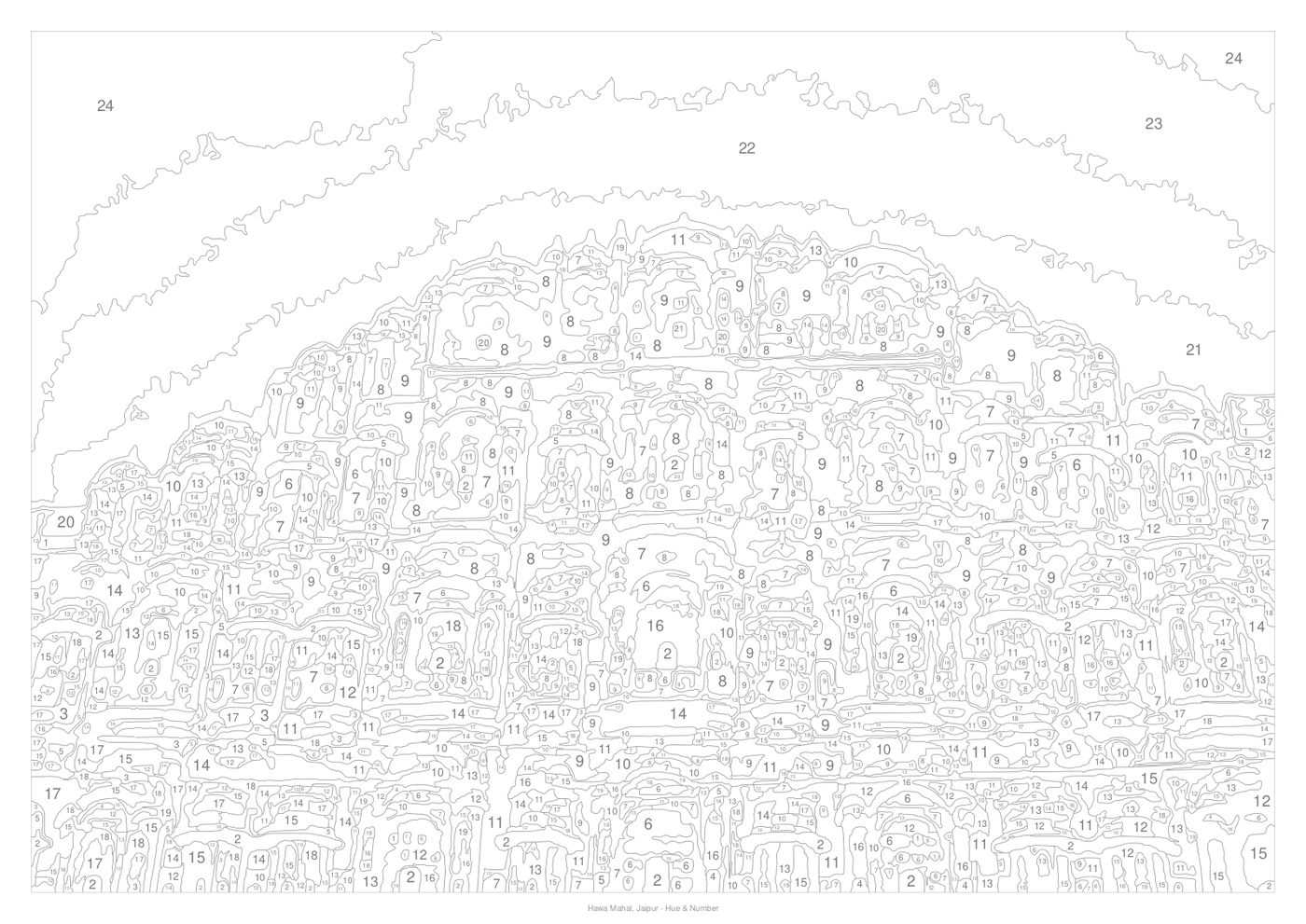
Need inspiration? Paint one of ours.
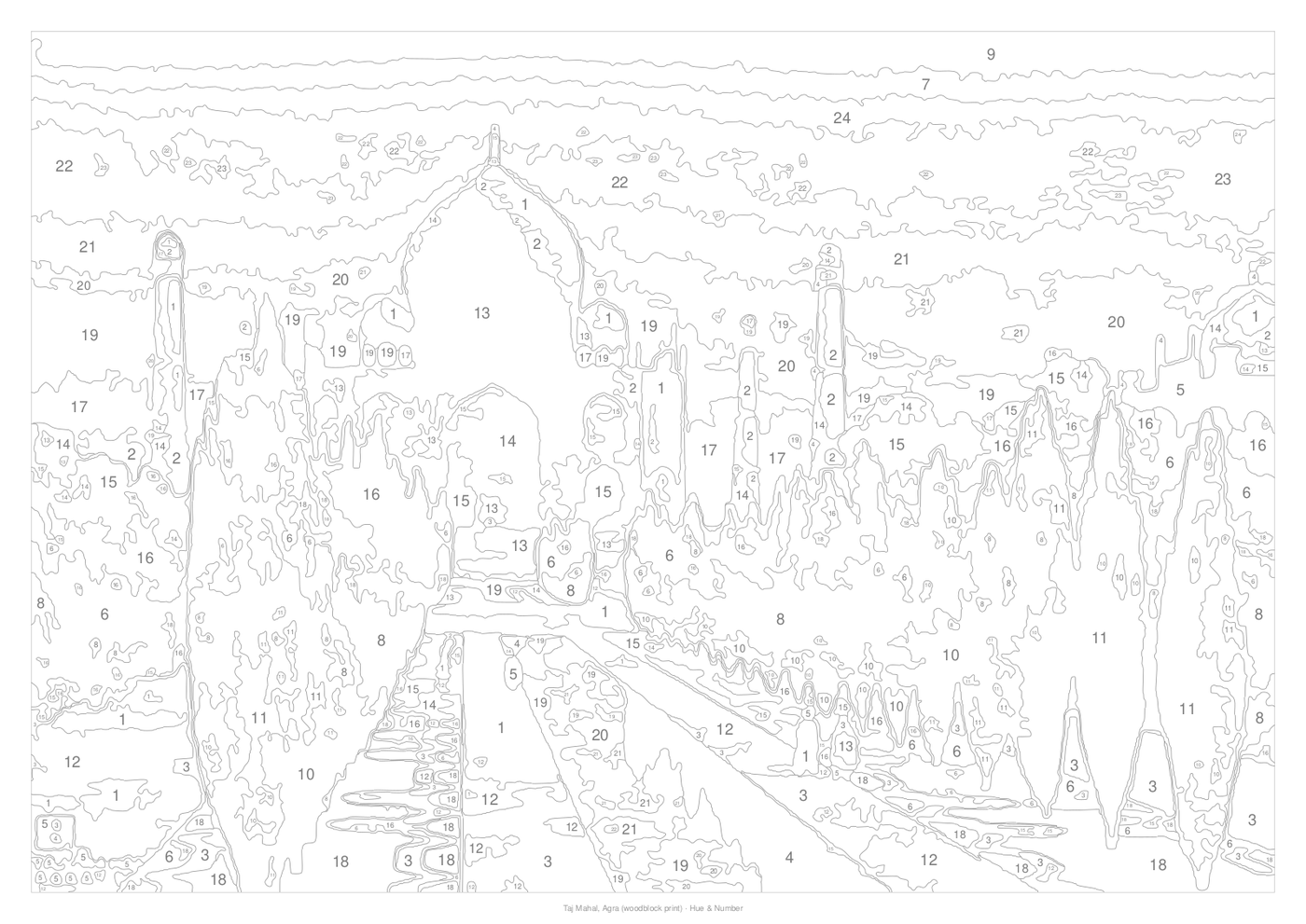
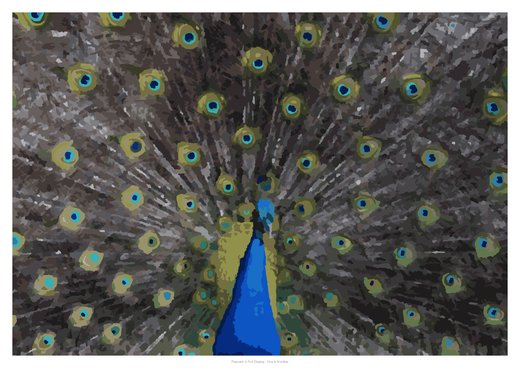
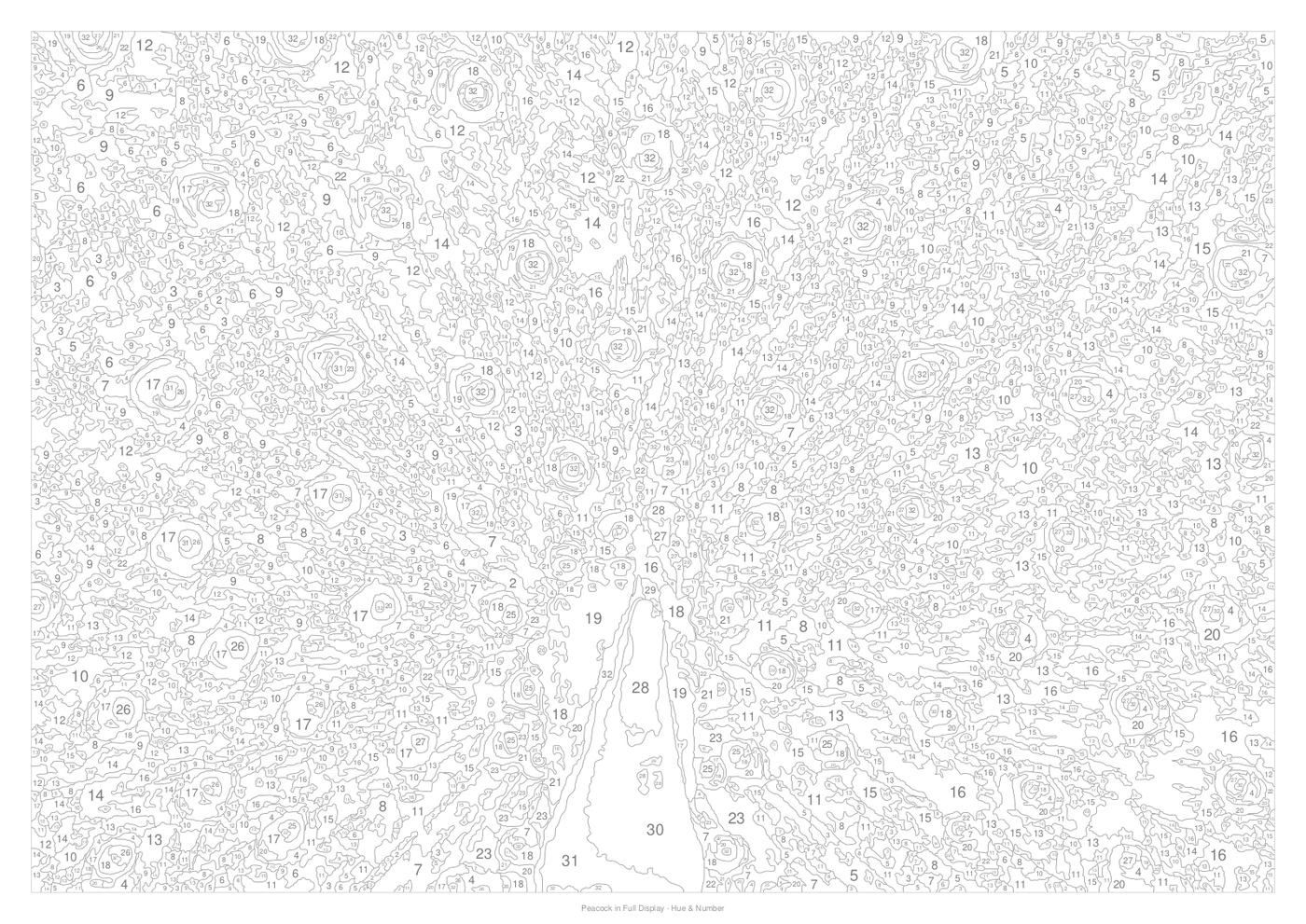
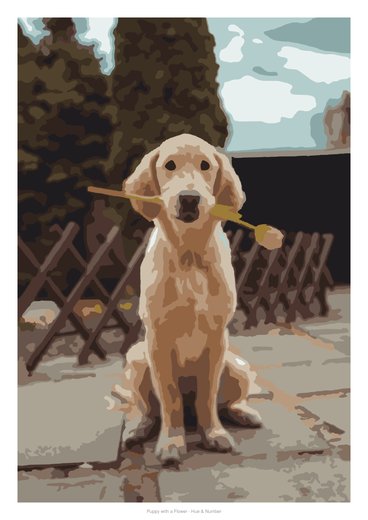
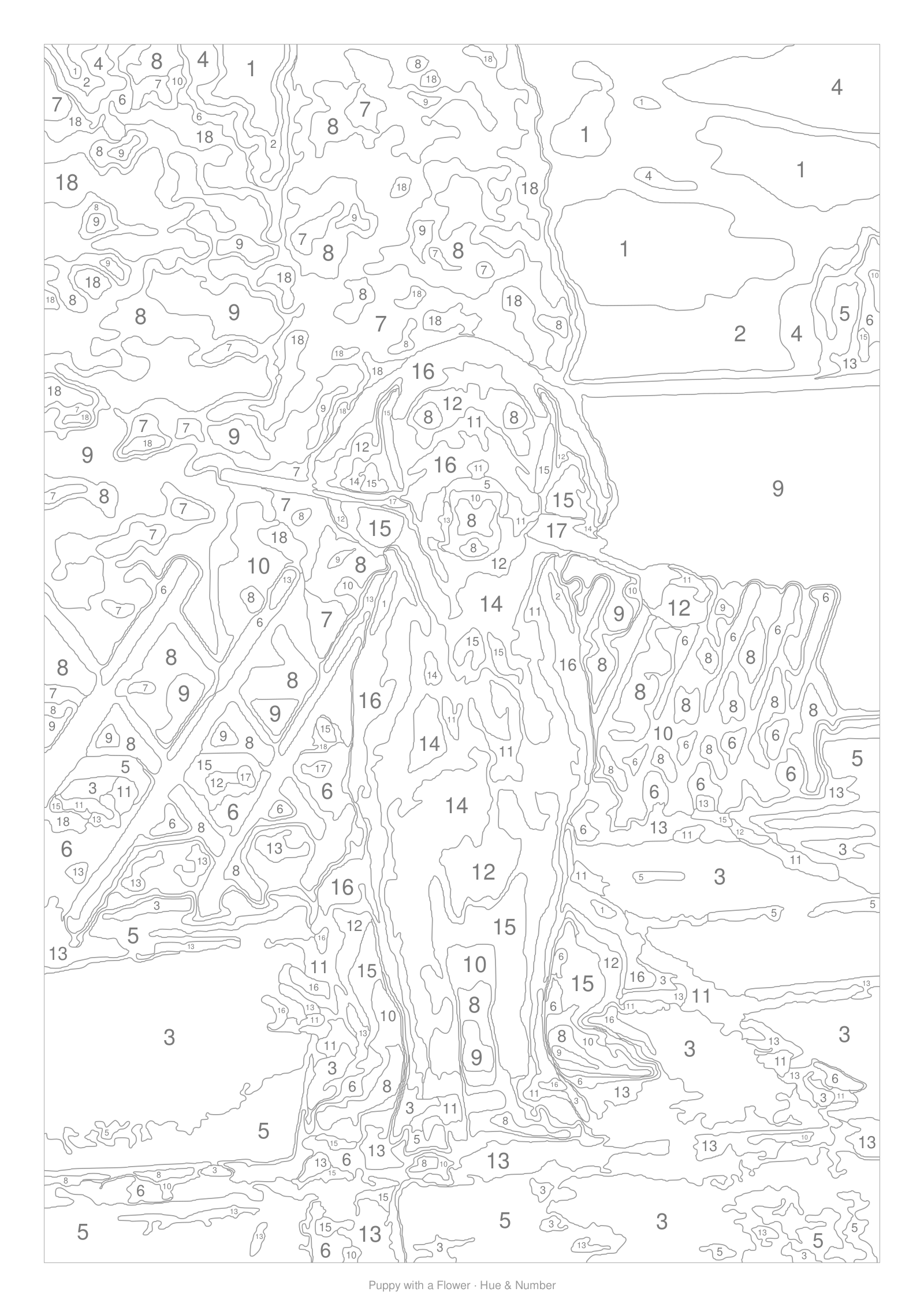
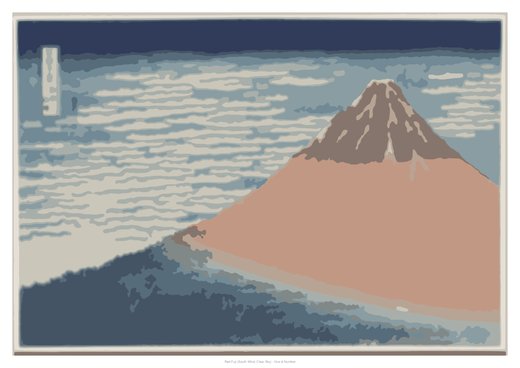
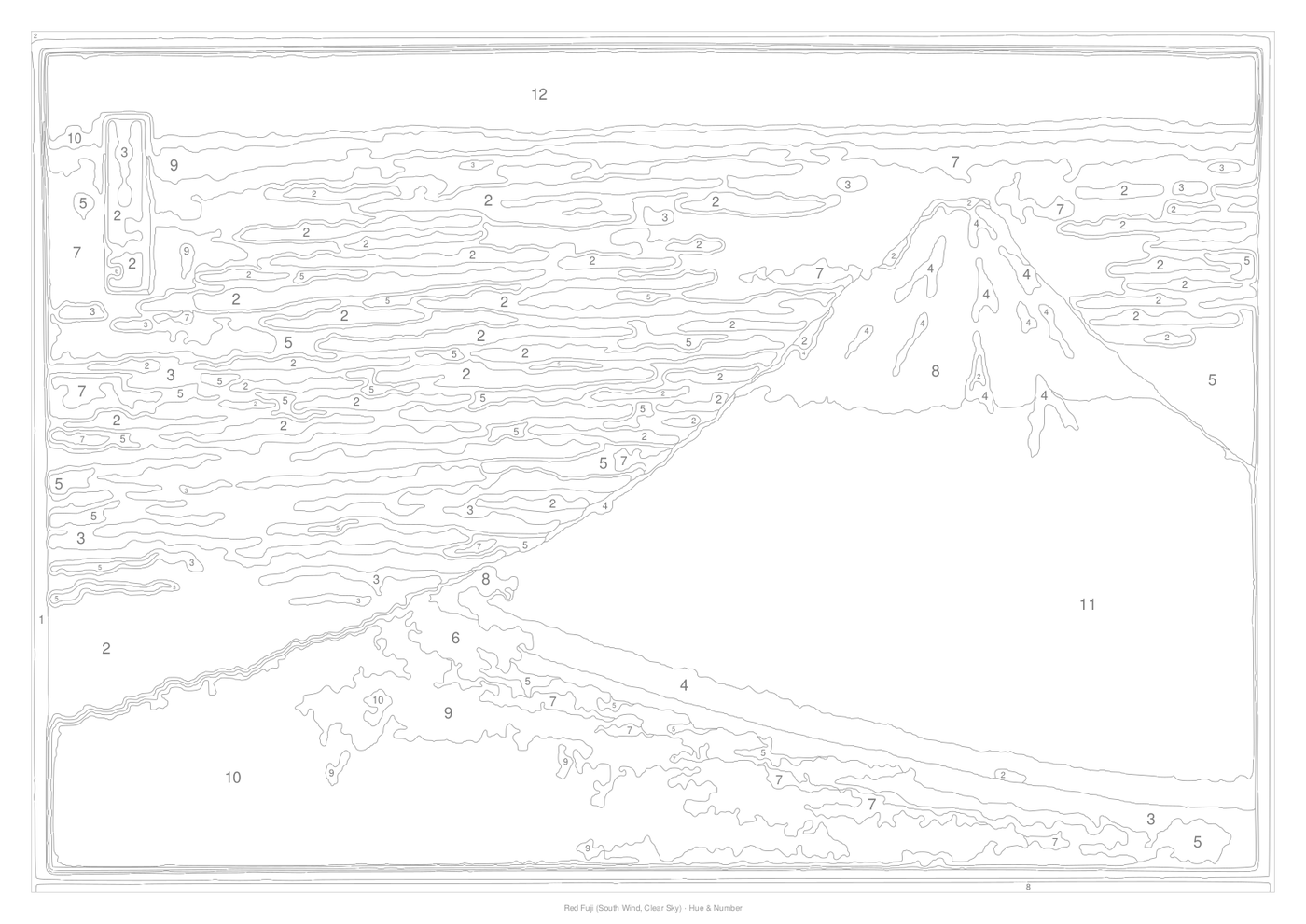
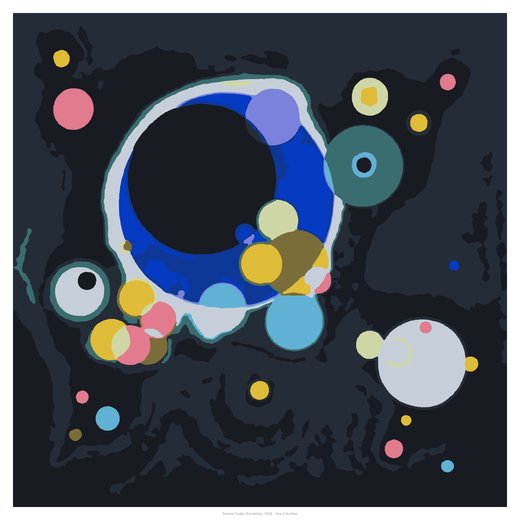
Prefer everything in one box?
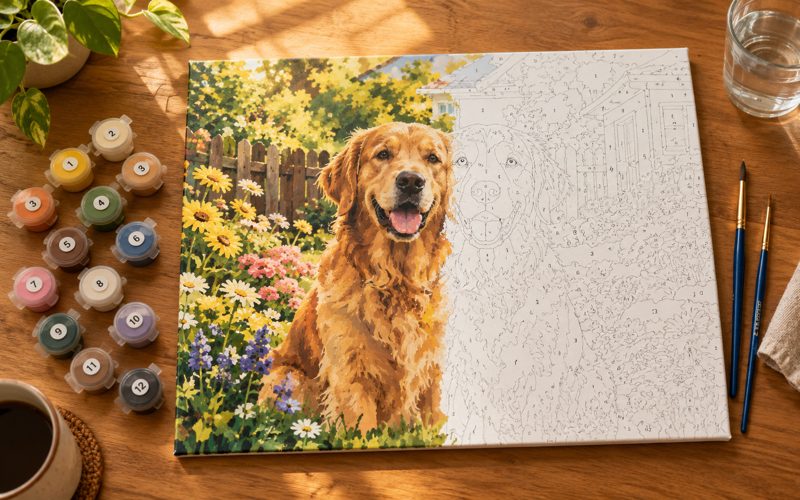
Design it here and we'll print it on canvas and send it ready to paint. A thoughtful gift for birthdays, anniversaries and Diwali.
- Your template printed on artist-grade canvas, rolled or stretched
- Numbered paint pots mixed to your colours, or base tubes to mix yourself
- Three brushes, a colour key and step-by-step guide
Made for every kind of painter
Questions, answered
Is it really free?
Yes. Creating, previewing, printing and downloading templates is free. You only pay if you order a printed kit.
What happens to my photo?
Your template is generated in your browser. To help us troubleshoot and improve results, we keep a private copy of the photo you choose and the settings you use for 30 days. Only our team can see it; it is never shared, sold or published. Want it removed sooner? Contact us.
Which photos work best?
A clear main subject, good light, and not too much tiny detail. Close-up pets, portraits, flowers and landscapes with a strong focal point look great. Use "Fill page" and drag the crop box to frame it.
What paints do I need?
Any acrylics or poster colours. Pick a paint set in the studio (basic 12, student 18, primaries only, kids' 6) or enter your own tubes, and the recipes adapt. A white, a black and the three primaries can mix almost everything. For pop art, add a fluorescent set (for example Brustro's six fluorescents) for the brightest colours; the studio switches to it automatically in pop-art mode.
How accurate are the mixing recipes?
They come from a pigment-mixing model (Kubelka–Munk), the same physics used in the paint industry, and are usually within a few ΔE points. Brands differ, so use Mix-Check to compare your mix and get a correction.
Can I print a big poster at home?
Yes. Choose "Poster on home printer" when downloading and we split the template across A4 or Letter sheets with overlap and alignment marks. For canvas, any print shop can print the vector (SVG) or PDF file.
What size should I choose for the number of colours?
The detail level is measured in millimetres on the printed page, so bigger sizes automatically allow finer detail. A4 suits Easy or Medium; 40 × 50 cm or larger suits Detailed and Expert.
Can I sell paintings made from my templates?
Paintings of your own photos are yours. For gallery designs, check the credit line. Most are public-domain masterpieces.
Say hello
Questions, bulk orders for classes or events, or partnership ideas.
Ready to paint something that matters?
Pick a photo. Your template is two seconds away.
Open the studio